
How to Delete Your Account
Closing your Kasheesh account? Here's what happens, step by step — including your 90-day window to change your mind.
How to delete your account
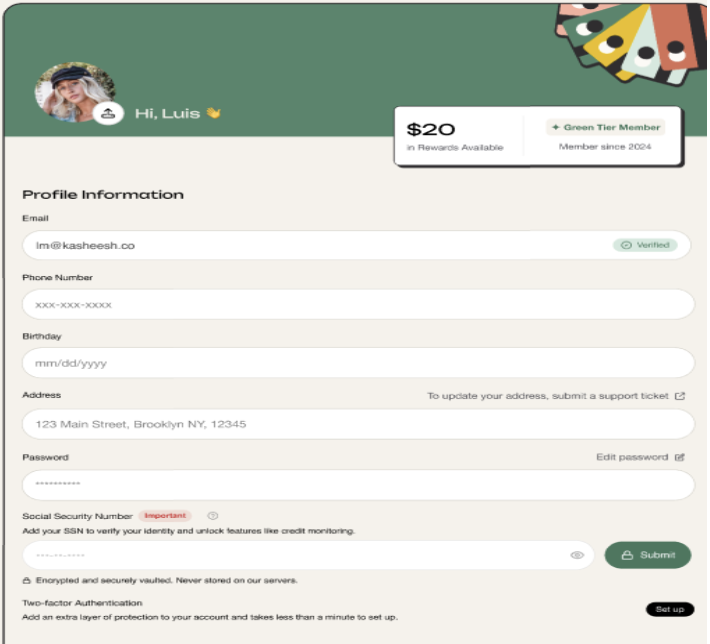
Go to your Profile.
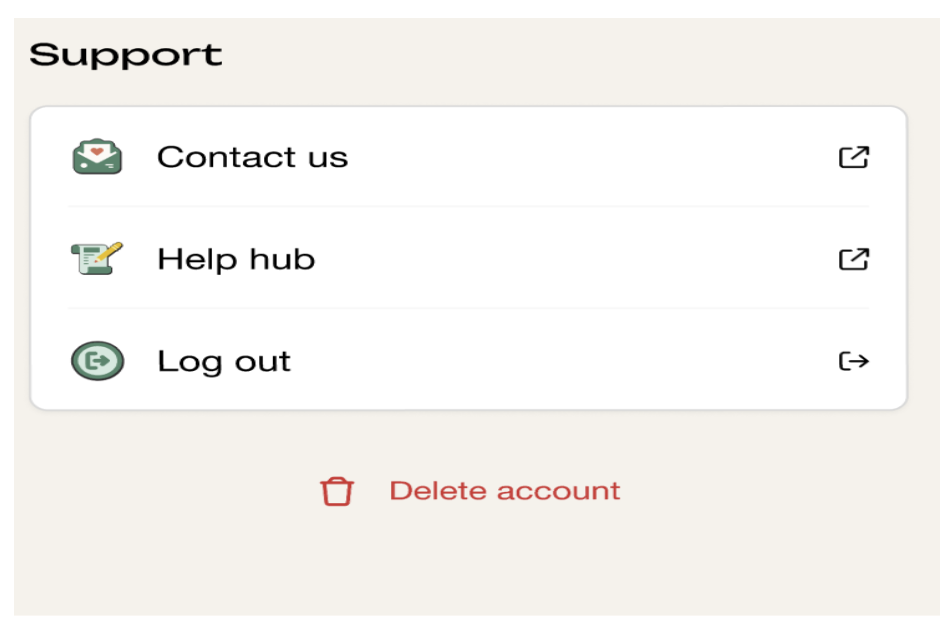
Scroll to the bottom of the page & Select Delete Account.
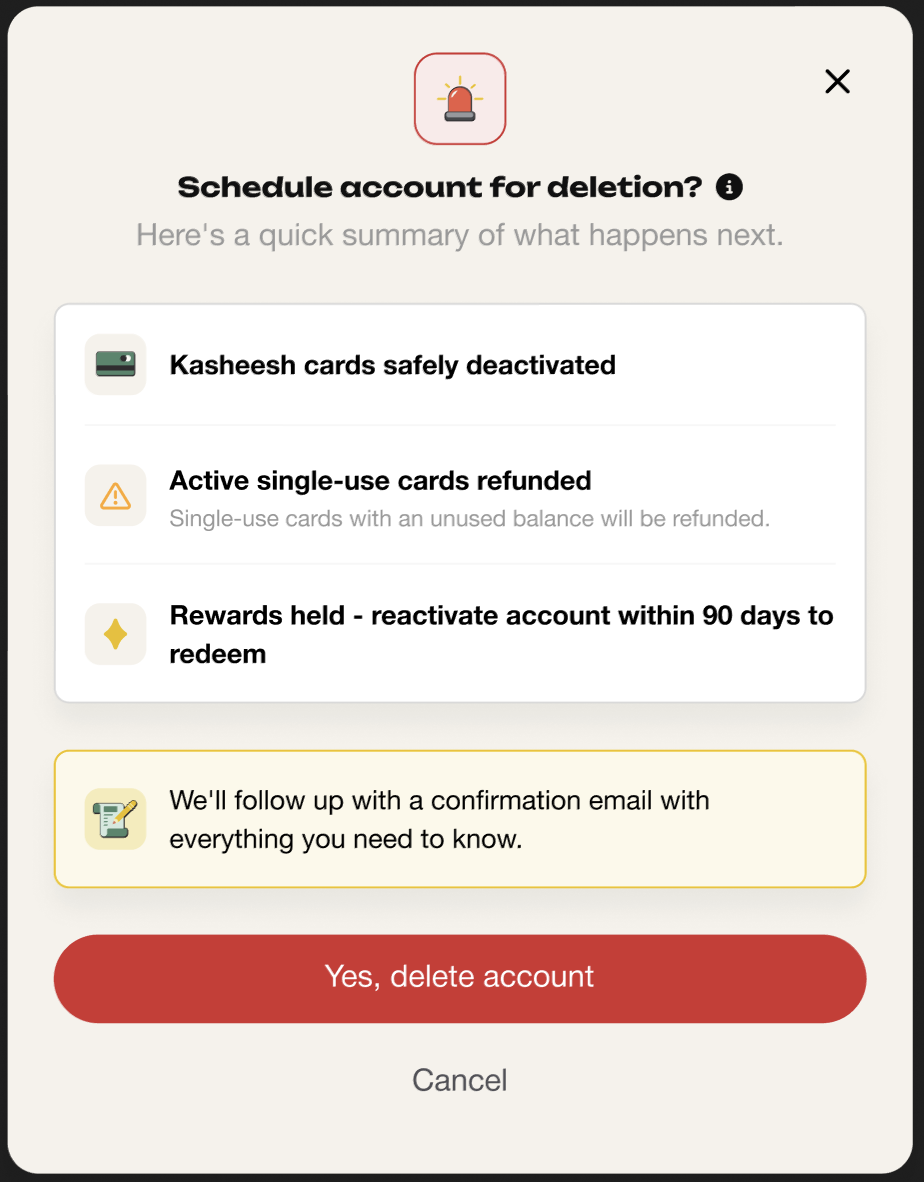
Review the summary of what will happen (see below), then select Yes, delete account to confirm.
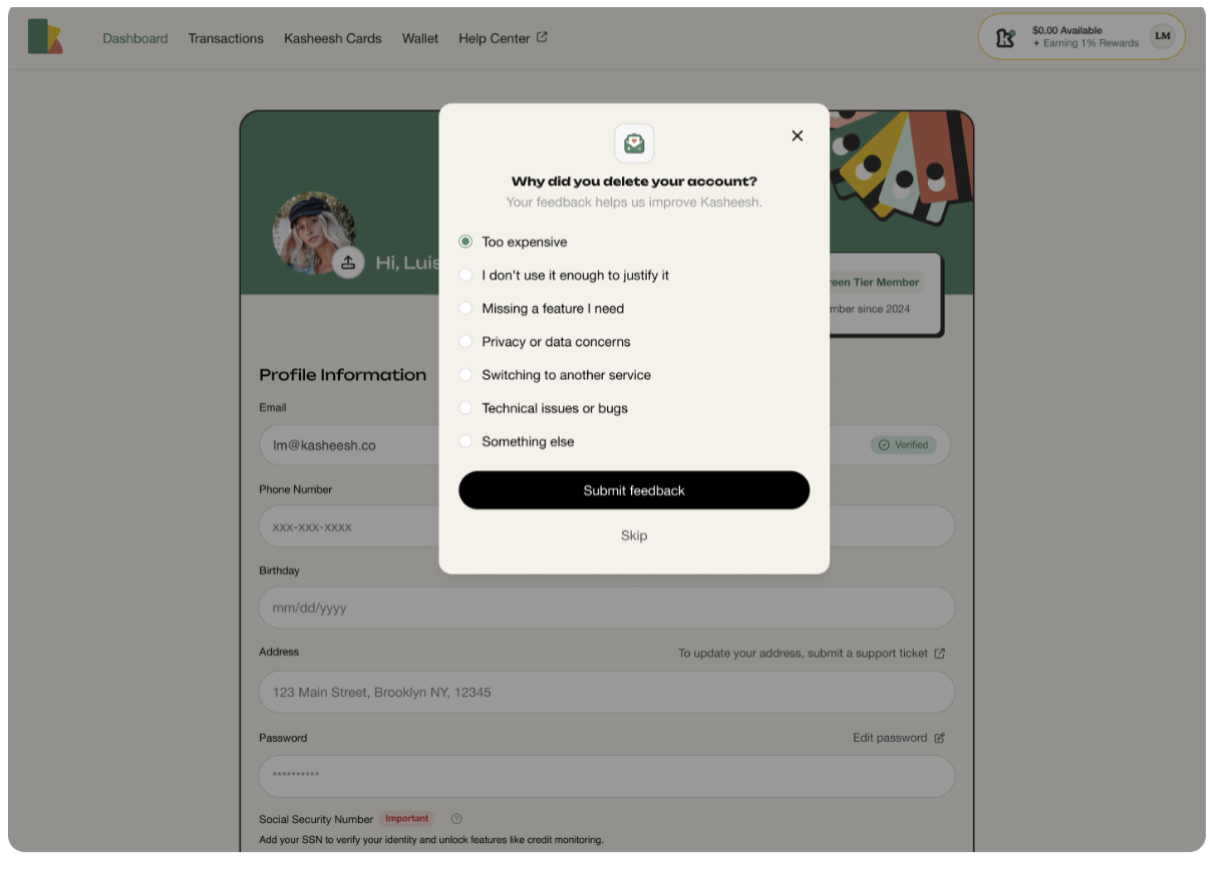
4. Select a Reason for Leaving
You'll get a confirmation email and be logged out right away.
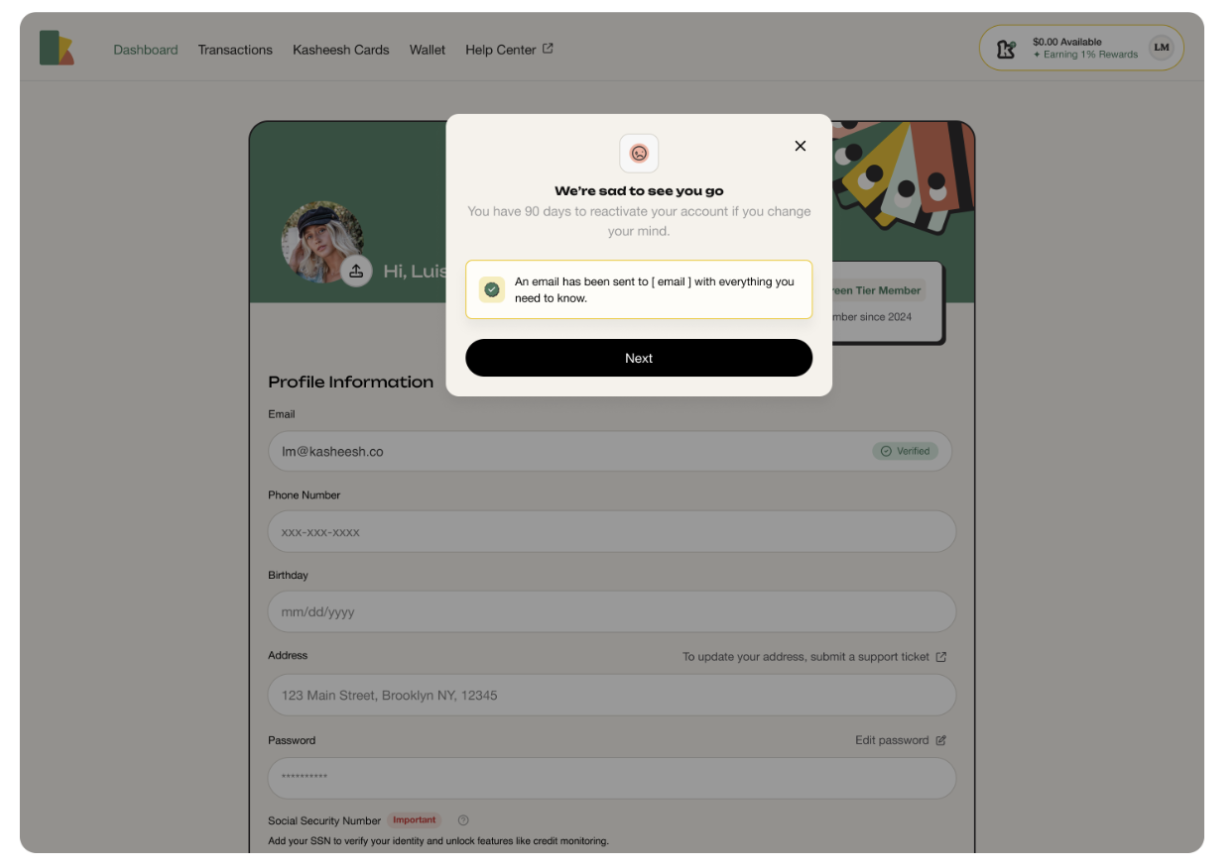
What Happens Immediately
Your Kasheesh cards are deactivated.
Any active single-use cards are cancelled and refunded.
Your rewards are put on hold — they're not lost yet (see below).
Your 90-day window
Your account isn't closed right away. For 90 days, it's in a frozen state:
You can still log in to view your transaction history and receipts (read-only).
A banner on your dashboard shows your scheduled closure date and days remaining.
You can reactivate anytime during this window if you change your mind.
How to reactivate your account
Log in during your 90-day window.
Select Reactivate from the banner on your dashboard.
Confirm your choice and re-accept any updated terms, if prompted.
Your account will be active again immediately.
Note: your previous cards won't come back — you'll need to set up new Kasheesh cards.
What happens after 90 days
If you don't reactivate within 90 days:
Your account is permanently closed.
Any remaining rewards are forfeited.
You won't be able to log in to this account again.
If you'd like to use Kasheesh in the future, you'll need to create a new account.
Need help?
If you have questions before deleting your account, or you're having trouble during the process, contact support at support@kasheesh.co — we're happy to help.